Xiaomi Mi TV box 3 Netflix audio video out of sync

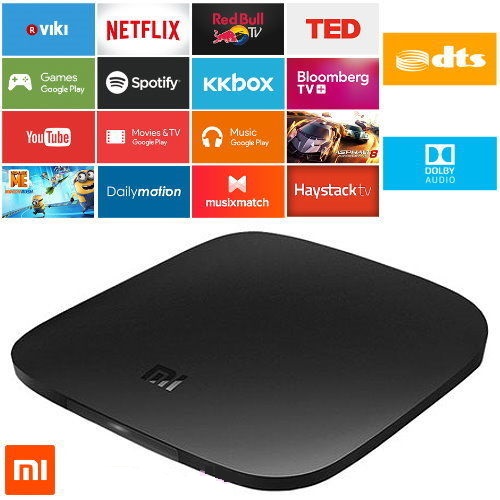
Recently I bought the Xiaomi Mi TV box 3 (International version). From the specifications and description, it seemed perfect for me as it is cheap and supports Netflix 4K, Chromecast, Kodi and running Android TV which gives access to many useful apps from PlayStore.

To cut long story short, from day one I noticed problems with video and audio being out of sync in video streaming apps like Netflix and YouTube. I searched through forums to find  a solution but nobody, not even Xiaomi official responses have given a proper solution.

For all you frustrated folks out there, this is the solution you have been waiting for:

Settings -> About -> tap on Build until developer options enabled.

Then go to Settings -> Developer options -> General -> HDMI optimization and set it to Best frame rate.

Restart the device and hopefully everything will be working as expected.

Similar Posts

  • Proxy Server

    Build a proxy server in C using threads and sockets. Every server can have up to two connections on the proxy. Client requests must be satisfied. New servers must be added to a list/array upon a request and must be removed if no request comes within 10 seconds. [Source]

  • Windows Folder Lock

    Have you ever needed to lock your personal folder so that no one can access is unless they know the secret password? I have personally searched for such applications many times but all solutions seem to be complex such creating partitions with encryption and so on. Finally I had some free time and decided to create my…

  • New URL Shortener

    I was planning for quite some time now to register the domain tsent.as. A few days ago this really happened. In order not to leave the domain sitting without any use, I decided to create a very simple URL shortener interface written in PHP. Visit http://tsent.as/ and shorten as many domains as you like. It’s…

  • PuTTY SSH Tunneling

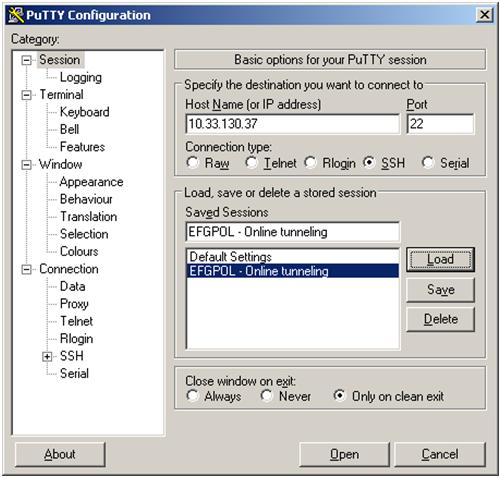
    This post explains how PuTTy SSH Tunneling can be easily used to bypass firewall rules blocking ports. Let’s say that we have the following setup where only communication via port 22 is allowed between two hosts: Step 1: Open profile and load server’s profile Step 2: Navigate to Connection->SSH->Tunnels and add new port as the…

  • Packet Sniffing with WireShark

    Download and install Wireshark from http://www.wireshark.org/. Launch the application. Go to Capture -> Options. Select the interface for the wireless network card and tick Capture packets in promiscuous mode. Then press Start. MSN conversation hack: Wireshark will start capturing packets that flow around. Among others we notice at the protocol field the MSNMS (Microsoft Network…

  • Create a Windows 7 or later version install disk missing on El Capitan

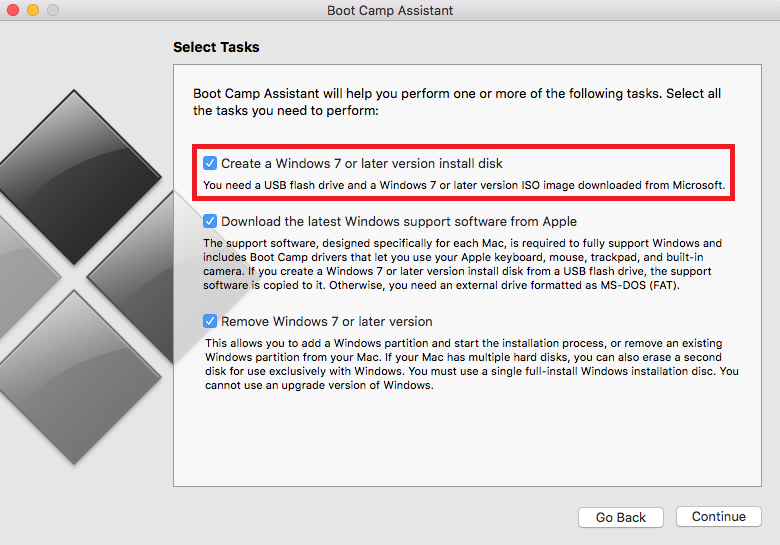
    I first noticed “Create a Windows 7 or later version install disk” was missing from Boot Camp Assistant after installing El Capitan. So how to we solve this you ask? Read through the rest of the article to find out. Prerequisites: 1. Xcode (can be downloaded and installed from App Store) 2. Free time!  …

2 Comments

  1. Hi, I’ve been having the same problem with a Xiaomi mi tv box 3 4k. I tried what you suggested, but it only worked that same evening. In the morning it was out of sync again. I checked the settings, and it was still set on “Best frame rate”. Any suggestions?

  2. Hi,

    I can’t find this option under ‘developers options’
    I have the Oreo already.
    Where can I find it?

    Thank you,

    Guy

Leave a Reply

Your email address will not be published. Required fields are marked *

This site uses Akismet to reduce spam. Learn how your comment data is processed.